VR Worlds Pipeline
A pipeline for building VR-accessible web worlds in Mozilla Hubs from a Maya model textured in Substance Painter. Used to build the XR Podium world that hosted my talk at the Accessibility VR Meetup (A11YVR) in December 2020.
What it is
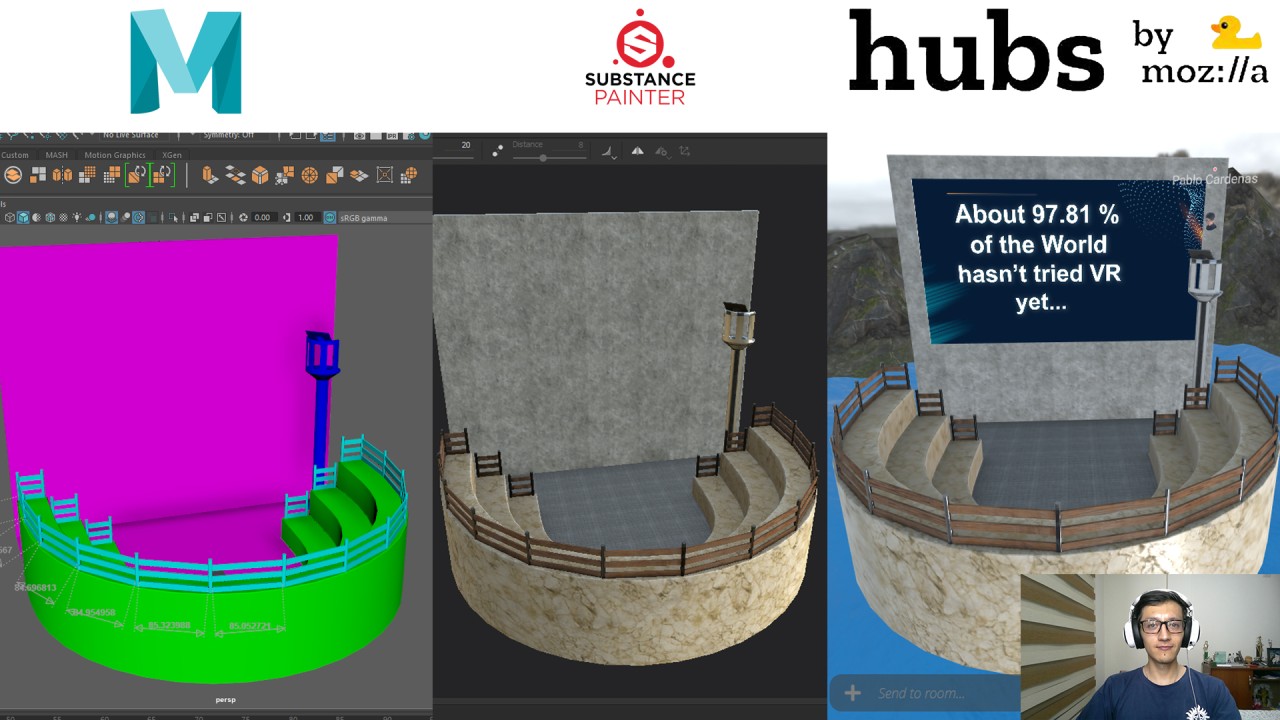
A pipeline for building VR-accessible web worlds — a 3D environment modelled in Maya, textured in Substance Painter, and published to Mozilla Hubs via Spoke as a browser-accessible space. A finished world is reachable from a VR headset, PC browser, or phone with a single shared URL, no app install required.
Built and shipped as Technical Artist in late 2020 for the A11YVR Meetup (Accessibility VR community) — used to build XR Podium, the venue that hosted my conference talk there. The setup was straightforward enough that I wrote it up afterwards as a LinkedIn article and a YouTube tutorial for other Maya/Substance users to replicate.
In short: model in Maya, texture in Substance Painter, publish to a Mozilla Hubs URL anyone can open from any device.
The problem
VR experiences usually require a download, an install, and a headset — three barriers that exclude most viewers. For a virtual-conference venue hosting a community meetup, the goal is the opposite: anyone with a link should be able to walk in, on whatever device they have.
The A11YVR meetup happens monthly with attendees across multiple time zones, accessibility tooling preferences, and device capabilities. Hosting it inside a custom 3D environment had to mean a VR headset user, a PC viewer, and a phone viewer could all share the same space at the same time, without the host having to package a separate build for each.
What it does
Mozilla Hubs is Mozilla’s WebXR platform — it runs in any modern browser via WebGL/WebXR, with no app install. This pipeline takes a 3D environment from concept to a published Hubs URL in six steps:
A low-poly mesh authored and UV-unwrapped in Maya → exported as FBX → textured in Substance Painter at web-friendly resolution (1K) → exported as glTF 2.0 (the open 3D format Hubs ingests) → imported into Spoke (Hubs’ scene editor) → published to a shareable Hubs room URL.
A published Hubs room supports up to 24 concurrent avatars with full voice and presence, plus unlimited spectators (URL viewers with no avatar slot). For a 30–50 person meetup that’s exactly the right ceiling.
How the pipeline runs (6 setup steps)
The setup runs in six stages, from Maya export through to a publicly-shareable Hubs URL. Each step’s how-to lives inside its collapsible below.
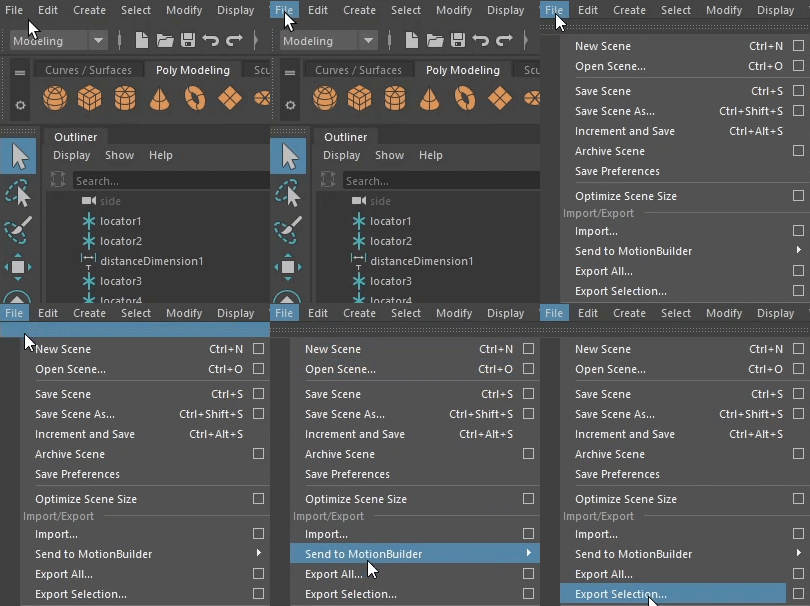
Step 1 — Export the Maya model as FBX. Select the geometry, File > Export Selection, set FBX as the file type, save into a new project folder.
Step 1 in detail
You’ll need a low-poly mesh with proper UV layouts — Mozilla Hubs runs in the browser via WebGL, so polygon count and texture resolution both have to stay web-friendly. Select the geometry you want to export, File > Export Selection, change the file type to FBX export, create a new folder for the project, and save the FBX inside.
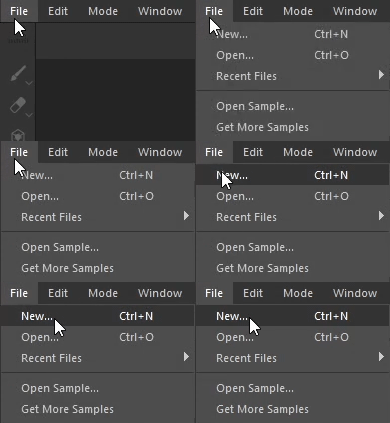
Step 2 — Import the FBX into Substance Painter. File > New, point at the FBX, set document resolution to 1024×1024 for web performance, hit OK.
Step 2 in detail
In Substance Painter, File > New. The preset can stay as the default (I use Unreal Engine since that’s my primary workflow, but any PBR preset works). Click Select and find the FBX you just exported from Maya, then Open.
For document resolution, 1024×1024 is the right choice for Hubs — it’s the largest texture size that doesn’t tank performance in the browser. Hit OK and Substance Painter loads the model ready to texture.
Step 3 — Texture the model in Substance Painter. Combine as many materials as you need. Texturing technique is outside the scope of this pipeline page — covered separately.
Step 3 in detail
Texturing is an entire discipline of its own — Substance Painter has its own learning curve covering material masking, smart materials, generators, baking, and stylisation. This pipeline page assumes you’ve already textured the model and focuses on getting it from Substance Painter into a published Hubs world.
The only constraint specific to Hubs: keep the material count modest and the texture resolutions at 1K. The browser has to download every texture before the world renders, so a 10-material 4K scene will keep visitors looking at a loading screen.
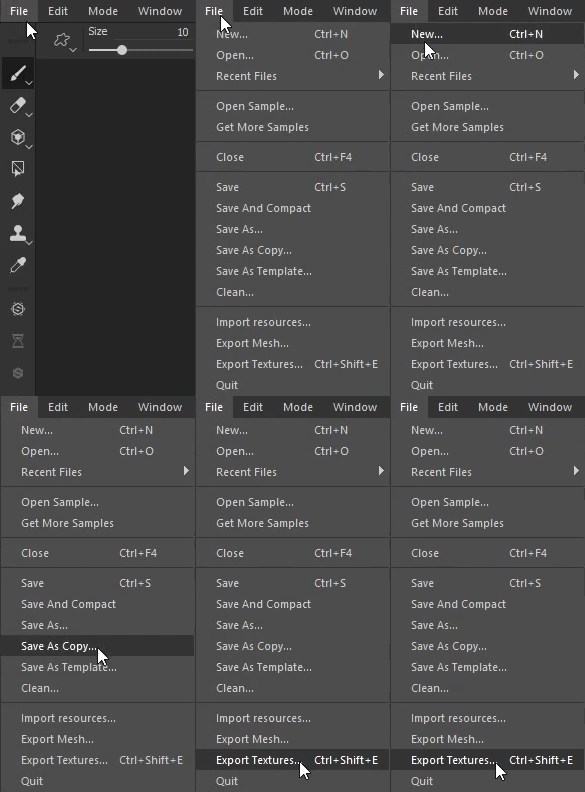
Step 4 — Export from Substance Painter as glTF. File > Export Textures, set output template to glTF PBR Metal Roughness, pick the project folder, hit Export.
Step 4 in detail
File > Export Textures. In the Output Template dropdown, find glTF PBR Metal Roughness — this is the output preset that produces a Hubs-compatible package: the .gltf file with mesh + material definitions, the .glb binary variant, plus the packed PBR textures (base colour, metallic-roughness, normal, AO).
Click the Output Directory field and pick the same folder you exported the FBX into from Maya. Hit Export.
Substance Painter writes out the FBX (the input), the .gltf (the one we need for Spoke), the .glb (binary equivalent, not used here), and the texture maps. All the maps are packed into the glTF, so when you upload the single .gltf file later, it carries everything with it.
Step 5 — Import the glTF into Spoke. Open hubs.mozilla.com/spoke, start a new project, upload the .gltf file to My Assets, drag-drop it into the scene.
Step 5 in detail
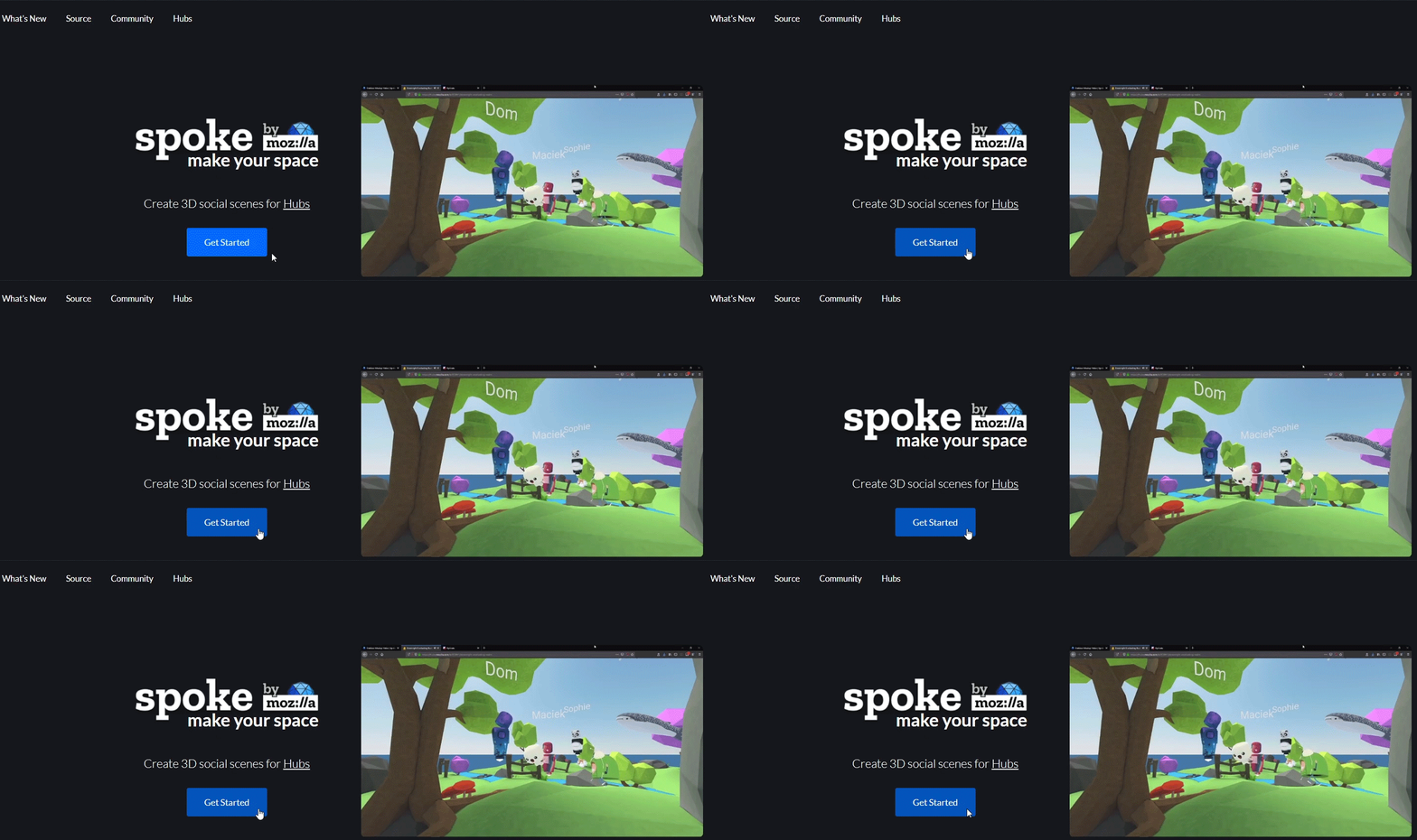
Spoke is Mozilla’s web-based scene editor for Hubs. Open https://hubs.mozilla.com/spoke and click Get Started, then either open an existing scene or create a new one with New Project → New Empty Project (or pick a template).
Inside the editor, open My Assets in the bottom panel and click Upload. Find the .gltf file Substance Painter exported (not the .glb) and open it. Spoke processes it for a few seconds and shows it in your asset library.
Drag-drop the asset into the scene. It’ll likely be enormous on first drop — use the Spawn Point as a reference for what “human scale” should be in the scene and rescale accordingly.
Step 6 — Set up the scene in Spoke. Multiple Spawn Points so visitors don’t all land on top of each other; Media Frames to anchor presentation slides and speaker notes to walls so they can’t be grabbed mid-talk. Publish to Hubs when ready.
Step 6 in detail (Spawn Points + Media Frames + publish)
Multiple Spawn Points. Spoke’s default Spawn Point places every visitor at the same coordinate. For a conference venue with a few dozen attendees, that means everyone literally appearing on top of each other on arrival. Add 5–6 Spawn Points spread across the seating area so visitors land in different places looking toward the stage. Find them in the Elements panel.
Media Frames for slides and speaker notes. A regular Hubs media object (image, video, PDF) is grabbable — useful for collaborative whiteboarding, brutal for a presentation if someone accidentally grabs your slides during the talk. (At my own graduation I watched a friend’s diploma fly across the screen because someone grabbed it by accident on stage.) Media Frames are anchored containers that lock the slide PDF to the wall. Drop a big one at the front of the room for the audience-facing deck, plus a small one behind your podium for speaker notes — both populated by dragging the PDF in from the panel.
Auto-generated captions. Hubs adds auto-captioning at the bottom of the viewport, so leave a strip of vertical space at the bottom of the stage area for them.
When the scene is ready, Publish to Hubs from Spoke. Hubs generates a shareable room URL — that’s the link attendees open in any browser to enter the world.
How it was used in production
The pipeline shipped the XR Podium world — a small amphitheatre venue with stage and seating — for the A11YVR Meetup on December 10, 2020. The meetup is a monthly community for accessibility in XR/VR/AR organised by Thomas Logan, with attendees joining from VR, PC, and phone.
I gave the talk “Why 97.81% of the World Hasn’t Tried VR Yet” inside the world — a market-analysis piece on the gap between current VR adoption (~2.2% of the global population) and the cost/hardware barriers keeping the other 97.8% out. Thomas Logan helped me design the world for accessibility; Pau Guardiola (Argentina) shaped the final version with feedback.
Where the constraints sit
Mozilla Hubs is the right tool for a conference, classroom, or community gathering of up to 24 active speakers with unlimited spectators on the URL. Where it doesn’t fit:
- High-fidelity scenes. Web VR runs in the browser, so polygon counts and texture resolutions have to stay modest. A AAA-quality scene won’t load in a tab; this pipeline assumes a deliberately low-poly aesthetic.
- Tight-grip presentations. Without Media Frames, slides and props are grabbable — fine for collaborative spaces, bad for a presentation where you don’t want a speaker’s deck moved mid-talk. Step 6 covers the fix.
- Persistent state. Hubs rooms reset when empty — they’re event venues, not persistent worlds. For permanent state you’d reach for a different platform.
What it became — the tutorial
The setup was straightforward enough that I wrote it up afterwards so other Maya/Substance users wanting to publish to Hubs could skip the trial-and-error:
- LinkedIn article — full step-by-step text walkthrough with screenshots and workflow GIFs, published December 2020.
- YouTube tutorial — same six-step pipeline as a video walkthrough, also December 2020.
In retrospect
Mozilla discontinued its managed Hubs services in May 2024, ending the hubs.mozilla.com / hubs.mozilla.com/spoke hosted pipeline this tutorial documented. The Hubs Foundation picked up the open-source codebase and continues development — anyone who wants to run a Hubs-style WebXR world today self-hosts the open-source stack instead.
The Maya → Substance Painter → glTF half of the pipeline is unchanged: glTF is still the open 3D format the WebXR ecosystem uses. The Spoke / Hubs half is now where the historical snapshot sits. This page reads as a record of what a free hosted WebXR conference pipeline looked like at the end of 2020.